



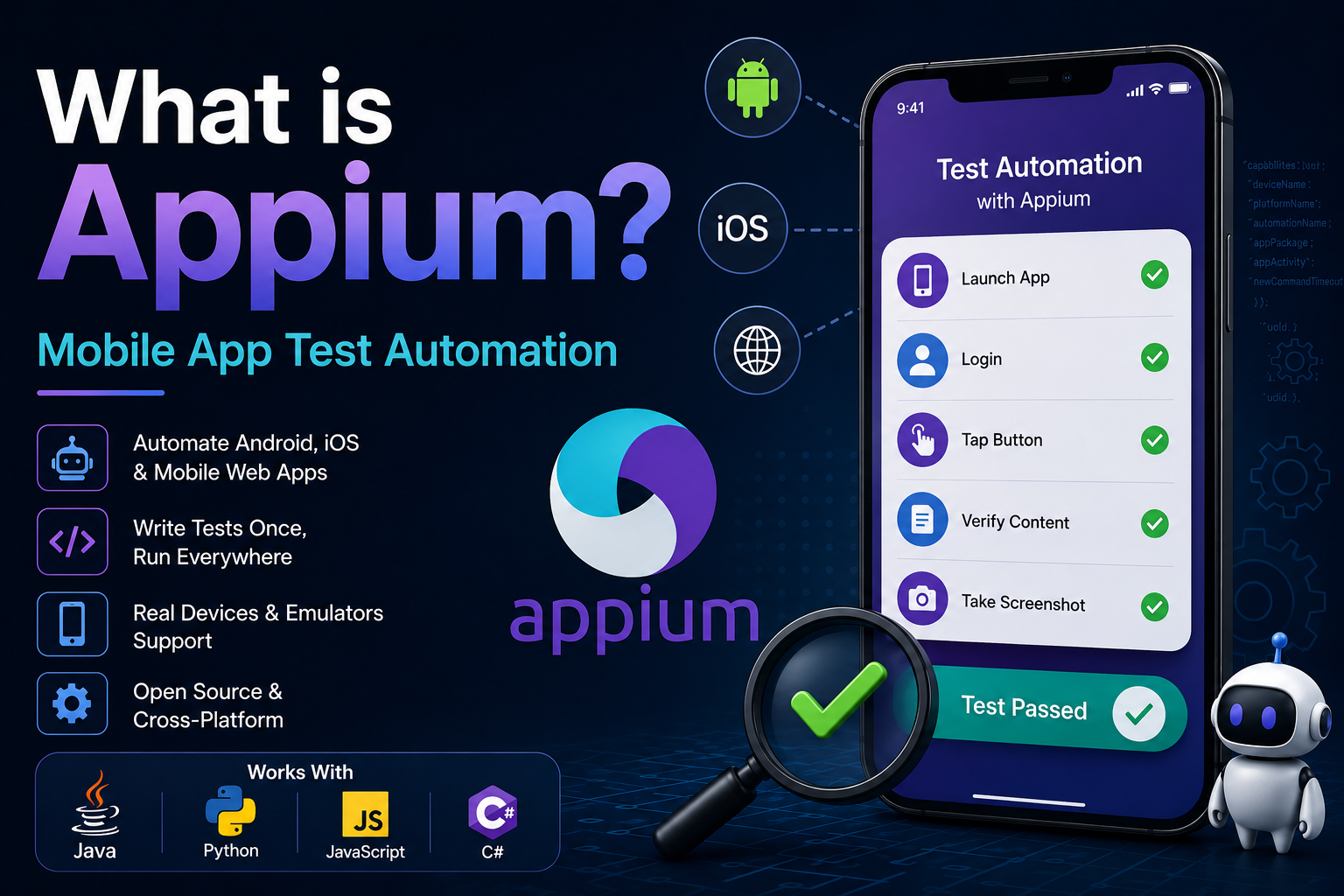
Building a great mobile app is only half the job. The real challenge is ensuring every feature works consistently across different devices, operating systems, and app updates. That's where Appium comes in.
Appium is one of the most popular open-source frameworks for mobile app automation testing. It allows developers and QA engineers to automate testing for Android, iOS, and mobile web applications without modifying the application's source code. Whether you're building a Flutter app, a React Native application, or a native mobile app, Appium helps improve software quality while reducing manual testing effort.
What is Appium?
Appium is an open-source mobile test automation framework that simulates real user interactions such as tapping buttons, entering text, scrolling, swiping, and validating on-screen content.
Instead of manually repeating the same test cases after every application update, Appium automates the entire testing process, making mobile testing faster, more reliable, and highly consistent.
Appium enables teams to automate real user interactions across Android, iOS, and mobile web applications—without changing the application's source code.
Which Platforms Does Appium Support?
One of Appium's biggest advantages is its cross-platform compatibility. Using a single automation framework, developers can test multiple types of mobile applications.
- Android applications
- iOS applications
- Mobile web applications
- Flutter applications
- React Native applications
- Xamarin and other cross-platform apps
This flexibility makes Appium a preferred solution for organizations maintaining applications across multiple platforms.
How Does Appium Work?
Appium acts as a bridge between your automation scripts and your mobile device.
A typical Appium workflow looks like this:
- Write automation scripts using Java, Python, JavaScript, C#, or another supported language.
- The scripts communicate with the Appium Server.
- The Appium Server sends commands to the appropriate automation engine.
- The automation engine performs actions on a real device or emulator.
- The test verifies that the application behaves as expected.
For Android, Appium uses UIAutomator2, while on iOS it relies on XCUITest to execute automation commands.
What Can Appium Automate?
Appium can automate nearly every action a real user performs inside a mobile application, including:
- Launching applications
- Logging into accounts
- Completing forms
- Clicking buttons
- Swiping and scrolling
- Navigating between screens
- Uploading images
- Completing purchases
- Verifying displayed content
- Capturing screenshots during tests
For example, an automated login test can open the application, enter user credentials, tap the login button, and verify that the dashboard loads successfully. The same test can then be executed hundreds of times across different devices without manual intervention.
Automated testing allows development teams to detect bugs earlier, improve software quality, and release applications with greater confidence.
Why Use Appium?
Many development teams choose Appium because it provides several significant advantages:
- Cross-platform testing with minimal code changes
- Completely open source and free to use
- No application source code modification required
- Support for multiple programming languages including Java, Python, JavaScript, Ruby, and C#
- Seamless integration with CI/CD platforms such as Jenkins, GitHub Actions, GitLab CI, and Azure DevOps
Appium and Flutter
Flutter developers often ask whether Appium works with Flutter applications. The answer is yes.
Professional teams generally combine two testing approaches:
- Flutter Integration Test — Faster execution, direct widget access, ideal for application logic and widget testing.
- Appium — Simulates real user behavior, supports native system dialogs, and excels at complete end-to-end testing.
Using both frameworks together provides comprehensive test coverage while validating real-world user journeys.
Common Use Cases
Appium is commonly used to automate:
- User registration
- Login and authentication
- Shopping cart and checkout
- Payment workflows
- Messaging features
- Profile management
- Push notification verification
- Regression testing before releases
Tools Commonly Used with Appium
A complete Appium testing environment typically includes:
- Appium Server
- Appium Inspector
- Android Studio
- Xcode (for iOS)
- Android Emulator or iOS Simulator
- Real Android and iOS devices
- Java, Python, JavaScript, or C# development tools
Is Appium Worth Learning?
If you're a mobile developer, QA engineer, or automation tester, learning Appium is an excellent investment.
- Reduce manual testing time
- Catch bugs earlier
- Improve software quality
- Accelerate release cycles
- Increase deployment confidence
As mobile applications continue to become more complex, automated testing has evolved from an optional practice into a critical part of modern software development.
Write Automated Tests → Catch Bugs Earlier → Improve App Quality → Release Faster → Build Better Mobile Applications
Final Thoughts
Manual testing becomes increasingly difficult as mobile applications grow and new features are introduced. Appium addresses this challenge by automating repetitive testing tasks, improving test coverage, and helping teams deliver more stable applications.
Whether you're building a startup MVP, an enterprise mobile solution, or a cross-platform Flutter application, Appium can significantly improve your testing workflow while saving valuable development time.
If you're planning to adopt mobile test automation, Appium is one of the best frameworks to start with thanks to its flexibility, strong community support, and ability to automate testing across Android, iOS, and mobile web applications.
At AttoExa Solutions, we build high-quality web and mobile applications backed by modern testing practices. By combining automation tools like Appium with strong software engineering, we help businesses deliver reliable, scalable, and production-ready digital products.